
Screenshots
App details
- Updated
- Feb 27, 2017
- Language
- English,French,German
- Category
- Mobile
SoftPas in:
This product is also available in the following languages:
About Ladybug on Desktop
Download Ladybug on Desktop – Animated Desktop Decor, Fun & Whimsy
Overview
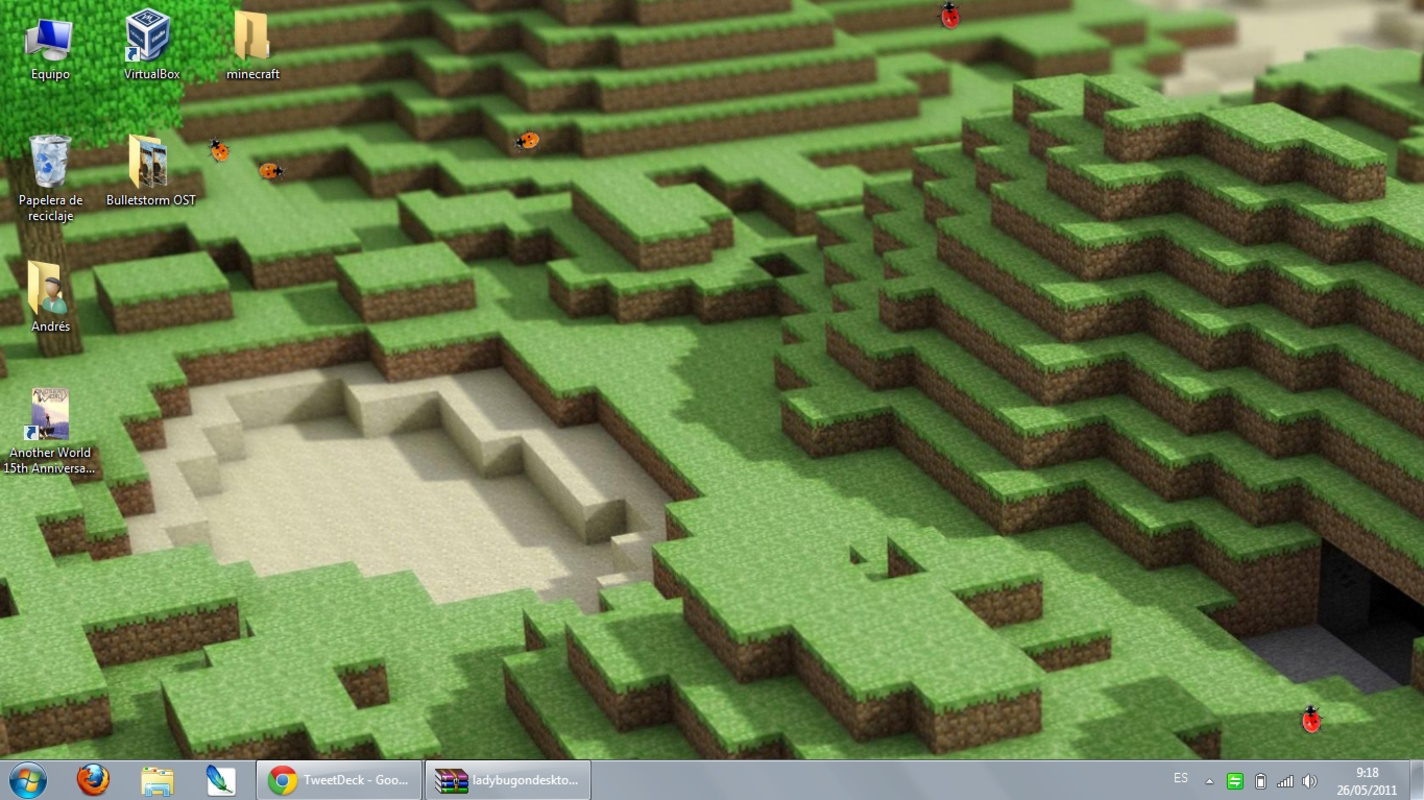
Ladybug on Desktop is a lightweight, visually engaging application designed to bring a playful touch to your digital workspace. At its core, the app functions as a desktop decoration tool, introducing animated ladybugs that move freely across your screen. Its primary purpose is to enhance the aesthetic appeal of your desktop environment with a whimsical, nature-inspired element. While it does not serve as a productivity or utility tool, it fulfills a unique role in personalizing the user’s computing experience. The app targets individuals who appreciate light-hearted digital distractions, nature-themed visuals, or those seeking a momentary mood boost during work or study sessions. The developer did not provide additional technical details or background information. However, the app’s release date of February 27, 2017, indicates it has been available for over seven years, suggesting a stable and enduring presence in the niche category of desktop entertainers. Real-world use cases include using the animated ladybugs as a calming visual backdrop during long work hours, a fun distraction for children, or a creative way to refresh a monotonous digital workspace. In the broader app ecosystem, Ladybug on Desktop occupies a unique space—offering minimal functionality but maximal charm. It serves as a reminder that not every software needs to be complex to be valuable.Key Features & Functionality
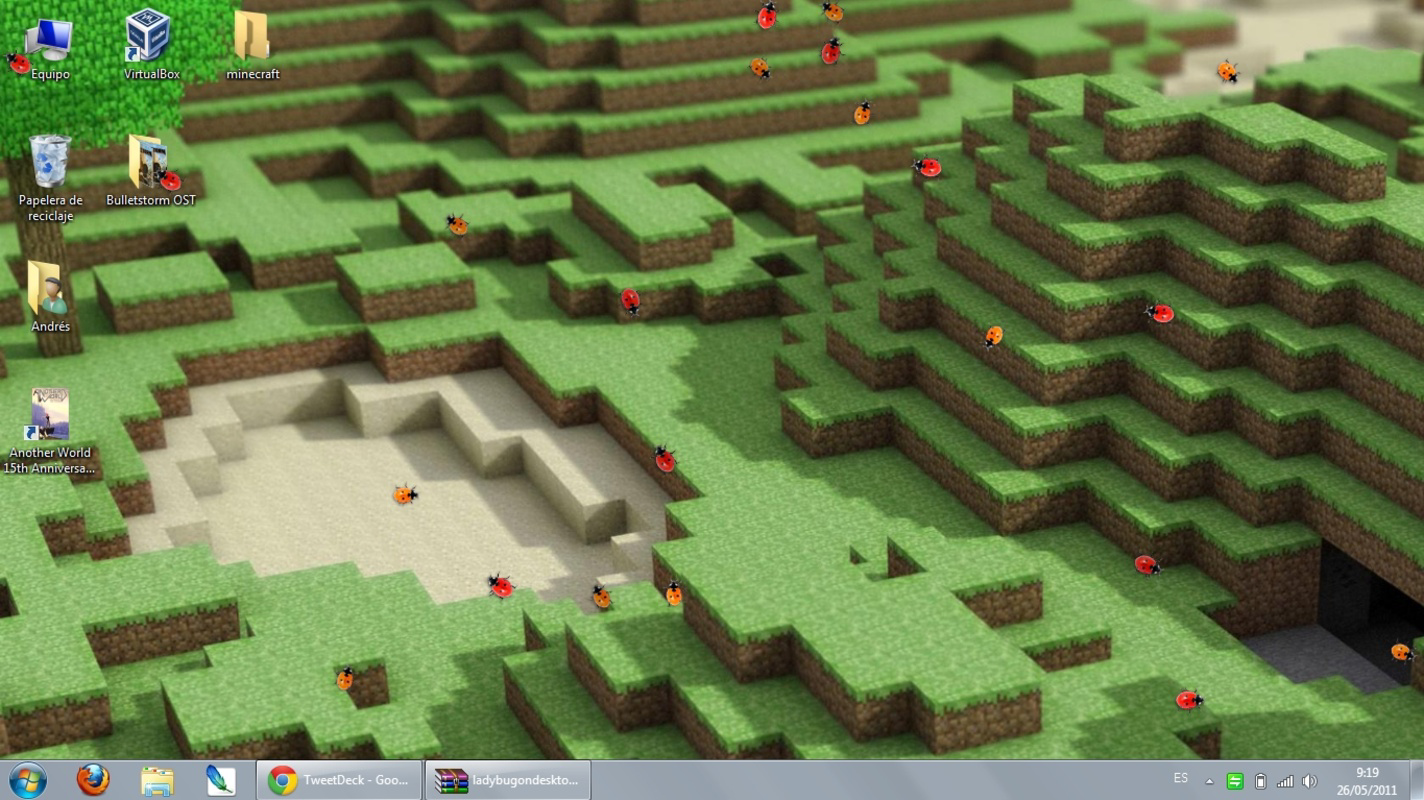
Ladybug on Desktop delivers a focused set of features centered around visual delight and simplicity. The core functionality revolves around the animated movement of ladybugs across the desktop. These insects are rendered with smooth, natural motion, creating a sense of liveliness and spontaneity. Users can add an unlimited number of ladybugs, allowing for a dynamic and evolving scene. The ability to scale the population without restriction encourages experimentation and personalization.- Animated Ladybugs: Each ladybug moves independently with fluid animation, responding to screen edges and user interactions. This creates a sense of organic behavior, making the experience feel less scripted and more immersive.
- Unlimited Ladybug Count: There is no cap on the number of ladybugs that can be added, enabling users to transform their desktop into a bustling insect habitat. This feature is ideal for users who enjoy visual density and playful chaos.
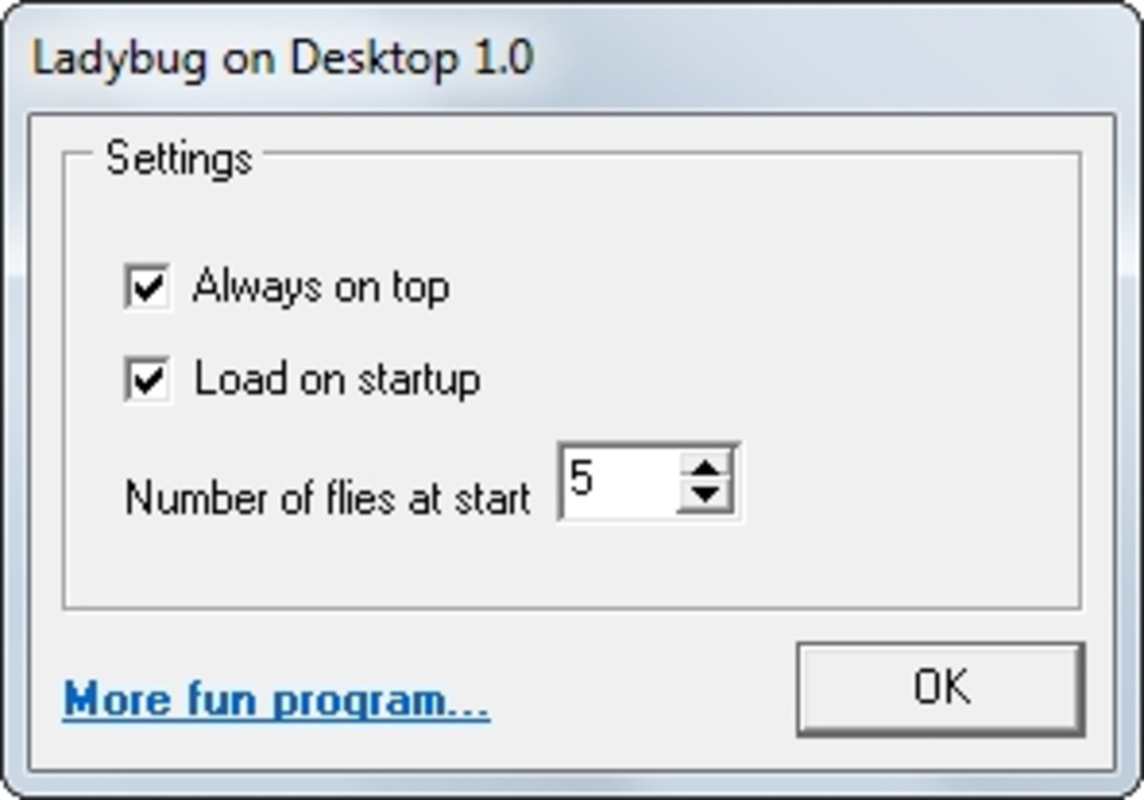
- Simple Settings Menu: The configuration interface is minimal, focusing only on adjusting the number of ladybugs. This streamlined design ensures accessibility for users of all technical levels.
- Desktop Enhancement: The app functions as a visual layer over the existing desktop, subtly animating without interfering with open applications or system performance.
- Lightweight Distraction: The continuous movement of ladybugs provides a gentle, non-intrusive distraction, useful for reducing mental fatigue during long screen sessions.
Interface, UX & Performance
The user interface of Ladybug on Desktop is intentionally minimal, prioritizing visual clarity over functional complexity. The main screen displays the animated ladybugs in real time, with no visible toolbars, buttons, or menus during normal operation. Access to settings is typically achieved through a small icon or system tray entry, which opens a compact configuration panel. The visual style is clean and cartoonish, with soft colors and rounded shapes that enhance the whimsical tone of the app. Navigation is straightforward: users can adjust the number of ladybugs using a simple slider or input field. The interface responds instantly to changes, with new bugs appearing smoothly across the screen. Although the developer did not list formal performance metrics, the app appears to operate efficiently on a wide range of devices. It runs without significant CPU or memory spikes, suggesting optimized rendering. Responsiveness is consistent across different screen sizes and resolutions. The ladybugs adapt to screen boundaries and maintain smooth movement, even when large numbers are active. Stability is maintained during extended use, with no reported crashes or freezes. The app does not require constant updates, indicating a mature and well-tested codebase. While it lacks advanced customization, the simplicity of the interface ensures a low learning curve and high usability for all age groups.Platform Compatibility & Technical Requirements
Ladybug on Desktop is designed for desktop operating systems, though specific platform details were not listed. The developer did not specify the minimum OS requirements, compatibility with Windows, macOS, or Linux, or the exact file size. As such, users should verify system compatibility before installation. The app’s release date of February 27, 2017, suggests it may be optimized for older OS versions, but this is not confirmed. The developer did not provide information on whether the application supports high-DPI displays, multi-monitor setups, or accessibility features. File size was not disclosed, but based on its lightweight nature and lack of complex features, it is likely to be under 50 MB. Users should ensure their system meets basic requirements for running graphical applications. Compatibility information was not fully disclosed, so installation may require trial and error on newer or less common platforms.Pros and Cons
- Delightful visual experience with smooth, animated ladybugs
- Unlimited ladybug count enables creative desktop customization
- Simple, intuitive interface suitable for all users
- Minimal system resource usage
- Stable performance over extended periods
- Limited to a single visual feature—no additional tools or utilities
- No customization options beyond ladybug count
- Missing sound, themes, or interactive elements
- Compatibility details not fully disclosed
- Not suitable for productivity-focused users
FAQ
Is Ladybug on Desktop safe to install?
The app is generally considered safe, as it operates as a desktop decoration tool with no known malware. However, users should download it from trusted sources to avoid bundled software.Can I customize the appearance of the ladybugs?
The developer did not provide information on visual customization. Based on available features, only the number of ladybugs can be adjusted.Does the app use a lot of system resources?
No, the app is designed to be lightweight. It runs efficiently without significant impact on CPU or memory usage.Is Ladybug on Desktop available for mobile devices?
The app is intended for desktop environments. There is no official mobile version available.How often does the app receive updates?
The developer has not specified update frequency. The app has remained functional since its 2017 release, suggesting infrequent updates.Final Thoughts
Ladybug on Desktop stands out as a charming, low-effort way to add personality to your digital workspace. While it lacks advanced features or deep functionality, its focus on visual joy and simplicity makes it a standout in the niche of desktop entertainers. It’s ideal for users who value mood-enhancing tools, nature-inspired aesthetics, or a playful break from routine tasks. The app delivers consistent performance and a delightful user experience without demanding attention or resources. For anyone seeking a fun, distraction-free way to brighten their screen, Ladybug on Desktop offers genuine value. Download Ladybug on Desktop now.Guides & Tutorials
How to install Ladybug on Desktop
- Click the Download button above.
- Once redirected, accept the terms and click Install.
- Wait for the Ladybug on Desktop download to finish on your device.
How to use Ladybug on Desktop
This software is primarily used for its core features described above. Open the app after installation to explore its capabilities.
User Reviews
No reviews yet. Be the first to share your experience.
You may also like
more
Que no te pillen¡
About !Que no te pillen¡Reviewed by Jason A. BilbreyShow MoreShow Less

3D Combat Zone
About 3D Combat ZoneOriginally released in 1983, 3D Combat Zone immerses players...

666: El día del portal
About 666: El día del portalOn June 6, 2006, Agent P. Stone uncovers a sinister...

80 in 1 Best Flash games
About 80 in 1 Best Flash games 80 in 1 Best Flash games is a collection of 80 fl...

ABYSS SEEKERーーWhat Do You See Deep in The Abyss
About ABYSS SEEKERーーWhat Do You See Deep in The AbyssIn ABYSS SEEKER, players...

ACA NEOGEO THE KING OF FIGHTERS 2002 for Windows
About ACA NEOGEO THE KING OF FIGHTERS 2002 for WindowsTHE KING OF FIGHTERS 2002,...